Agent loops, for software engineers

A real AI loop needs a trigger.

Loops are not magic persistence. A useful loop wakes up from a real work surface, does a bounded action, leaves receipts, and knows when to stop.

Working definition

TriggerWhat wakes the loop up.
ActionWhat the agent does next.
CheckHow the loop evaluates progress.
ReceiptWhat artifact proves what happened.
StopWhen it finishes or asks a human.

How loops work

A loop is a small operating system for recurring work.

The agent is not the loop. The loop is the system around the agent: it watches for work, gives the agent a bounded task, checks the result, writes a receipt, and decides whether to stop.

1

Work appears

An issue, PR, error, stale doc, customer report, or scheduled review enters the surface.

2

Loop selects a task

The loop chooses a bounded next action instead of asking a human to keep prompting.

3

Agent uses tools

The agent reads, edits, tests, searches, or comments within a defined permission boundary.

4

Verifier checks it

A test, reviewer, rubric, screenshot, or checklist decides whether the work helped.

5

Receipt is written

The loop leaves a diff, log, report, comment, or checkpoint so a human can inspect it.

6

Stop or continue

The loop finishes, escalates, or picks the next task only if the trigger still has valid work.

The shift

Prompting is manual. Looping is delegated control.

The useful jump is not “the prompt repeats.” The useful jump is that the system can notice work, hand it to the agent, and preserve enough evidence for a human to trust or reject the result.

Human-driven

Prompting

  • You notice the work.
  • You write the next prompt.
  • You decide if the answer is useful.
  • You remember what happened.
System-driven

Looping

  • A real surface creates the trigger.
  • The loop hands out bounded work.
  • A verifier checks progress.
  • Receipts preserve the decision trail.

The simple model

Trigger, action, check, receipt, stop.

01

Trigger

What wakes the loop up.

02

Action

What the agent does next.

03

Check

How the loop evaluates progress.

04

Receipt

What artifact proves what happened.

05

Stop

When it finishes or asks a human.

Where loops work

Production creates real triggers.

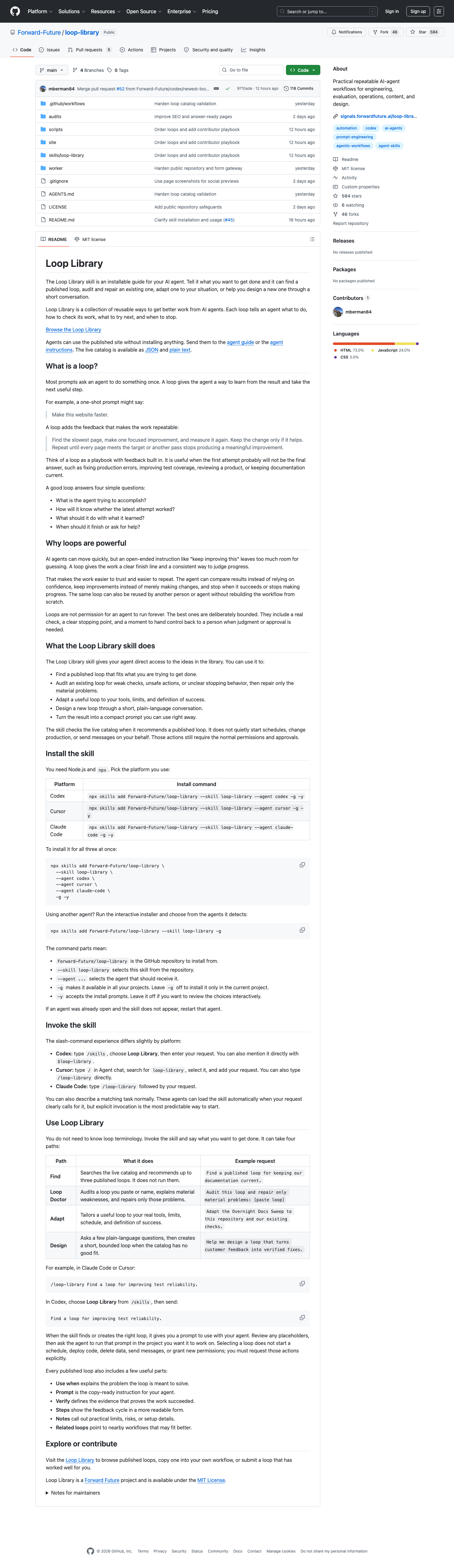
Peter Steinberger's OpenClaw/ClawSweeper setup makes sense because issues, PRs, stale work, and review queues keep appearing. The loop has a real reason to wake up.

OpenClaw ClawSweeper GitHub screenshot

Where loops are overkill

Fake triggers are procrastination.

If you are an individual builder and you already know the next step, you probably do not need a loop. You need to do the work. The loop becomes useful when similar work keeps returning.

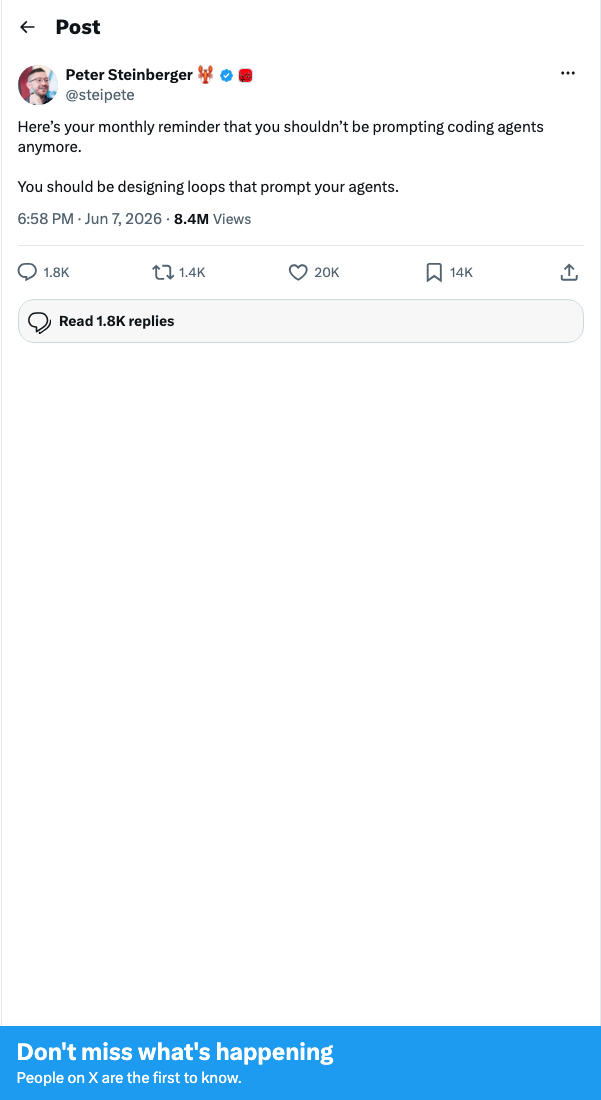
Peter Steinberger loop tweet screenshot

The hard part

Evaluators are still fuzzy.

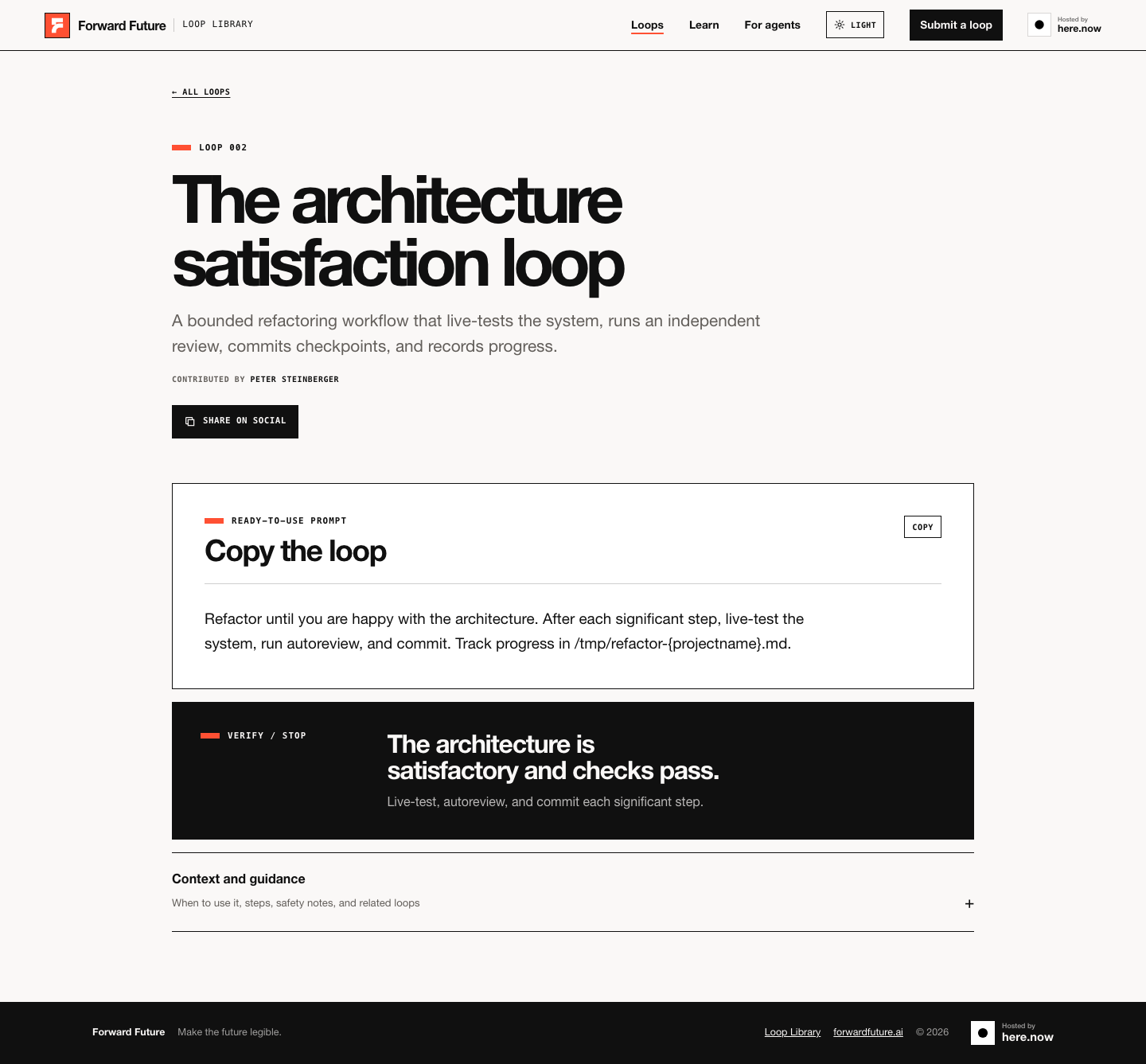
A lot of loops stop when the result feels good enough. That can work for architecture and creative review, but it is not the same as a production metric.

Architecture satisfaction loop screenshot

Talking outline

Seven beats for the video.

  1. Everyone is saying: build loops, not prompts.
  2. The useful definition: trigger -> action -> check -> receipt -> stop.
  3. Peter's setup works because production repos generate real work surfaces.
  4. Individual builders should be careful: fake triggers become procrastination.
  5. The hard part is letting AI find useful work without inventing busywork.
  6. The unsolved part is evaluators: many loops still stop subjectively.
  7. Practical rule: build loops only where the work recurs and the receipt is reviewable.